
Table of Contents showTL; DR
Timesheet errors that slip past manual review don’t stay small, they turn into payroll disputes, rejected claims, or NDIS audit findings weeks later. Vertex360’s Analyse with AI checks every timesheet against 20+ compliance and billing rules the moment it’s submitted, returning a clear Pass, Review, or Critical result with plain-language reasoning. The AI flags problems; it never approves anything, that decision stays with you, giving you a documented, defensible audit trail instead of a black box.
You approve a timesheet. Three weeks later, during payroll reconciliation or a plan manager query, the error surfaces. By then it’s not a quick fix, it’s a claim to unwind, a payroll correction, and a mark against your audit trail.
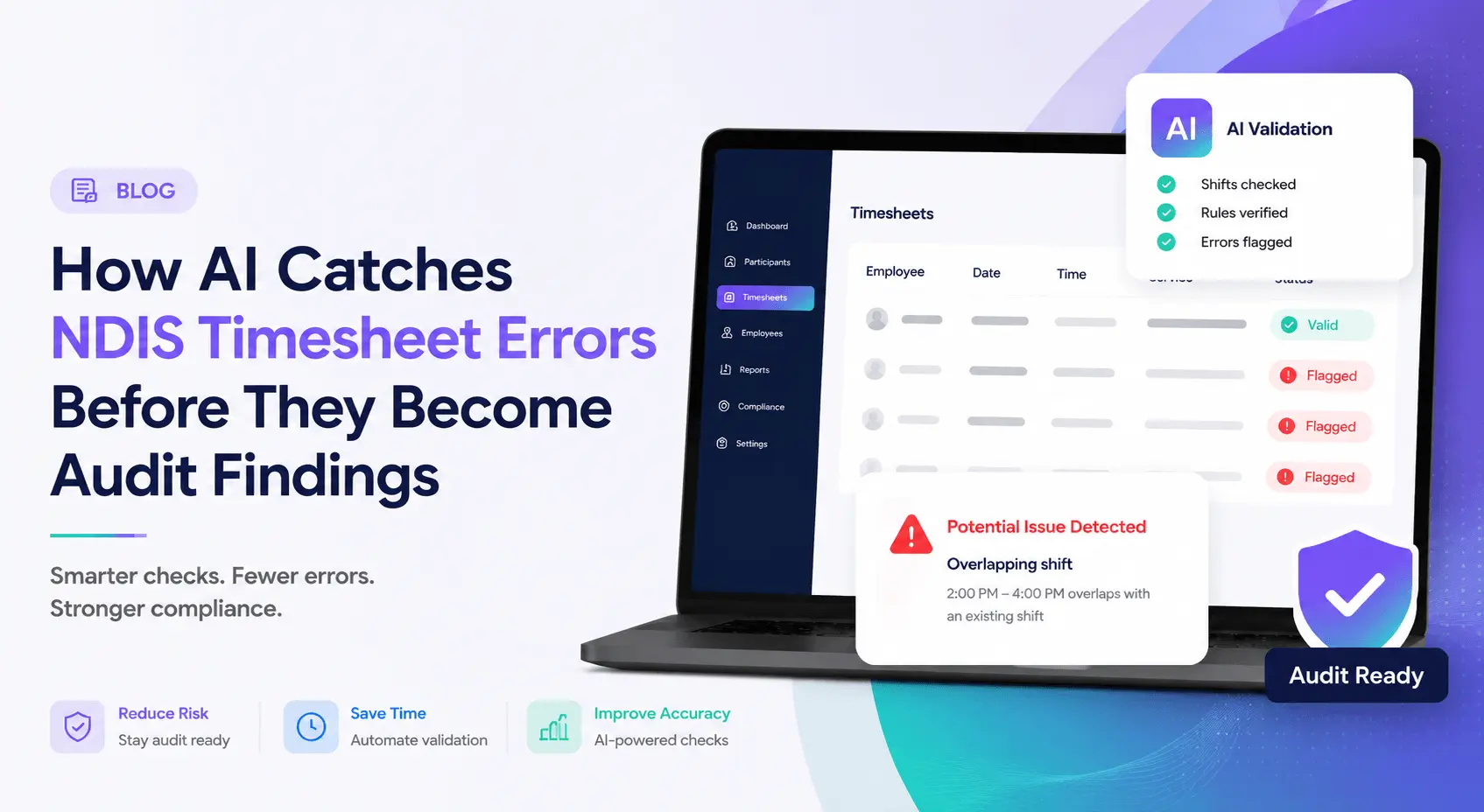
Vertex360’s Analyse with AI feature closes that gap. One click runs the timesheet through more than 20 compliance and billing checks, then returns a clear result: Pass, Review, or Critical. You see the problem before it leaves your desk, not after it lands in someone else’s inbox.
Why Timesheet Errors Are an Audit Risk, Not Just an Admin Nuisance
A timesheet error rarely stays a timesheet error. It becomes a billing discrepancy, a payroll dispute, or evidence in an NDIS Commission audit file.
Auditors compare hours worked, hours billed, and hours paid. Any gap between those three numbers raises compliance concerns, and electronic timesheet systems with clear approval workflows are viewed more favourably than manual processes because they leave a stronger audit trail. Priority1 Group
The regulatory pressure is rising, not easing. The NDIS Commission recorded more than 6,800 compliance and enforcement activities in the first quarter of 2025 alone. In 2026, the most common reason providers fail compliance checks isn’t missing policy, it’s missing or delayed evidence. LmscomplianceservicesRomeohr
Payroll compliance carries its own separate risk. Following the 2025 Fair Work ruling, SCHADS Award compliance is now a precondition of NDIS registration renewal, and providers must show that broken shift allowances, travel time, sleepover rates, and overtime are calculated correctly and can be checked.
Put simply: a timesheet error sitting unnoticed for three weeks isn’t a small thing. It’s a live liability across billing, payroll, and audit readiness at the same time.

What Analyse with AI Actually Checks
Analyse with AI runs each submitted timesheet through four categories of checks. Every category targets a specific point where NDIS providers commonly get caught out.
Shift and Time Accuracy
The system checks clock-in and clock-out times against the rostered shift. It flags shifts that run long, start early, or don’t match the approved roster of care.
Gaps between what was rostered and what was actually worked are one of the first things payroll and auditors compare. Catching the mismatch at submission stops it from becoming a dispute later.
Overlapping or Duplicate Claims
The AI cross-checks each timesheet against others submitted for the same worker or participant. Overlapping shifts, duplicate entries, and double-claimed hours get flagged immediately.
This check matters because duplicate claims are hard to spot manually once volume grows. A worker with several shifts across different participants makes overlaps easy to miss without automated review.
Rate and Billing Accuracy
Every line is checked against current NDIS Price Guide rates for the relevant support category. The system flags line items billed above the cap, under the correct rate, or against the wrong support item.
Rate errors are one of the more damaging categories because they affect claims directly. A wrong rate isn’t just an internal mistake, it’s a claim the NDIA or a plan manager can query.
Documentation Completeness
The system checks that required fields are filled in: support category, session notes, participant sign-off where applicable, and any mandatory attachments.
Incomplete documentation is a recurring theme in NDIS Commission findings. Auditors increasingly expect real-time evidence of what actually happened during service delivery, not just a record that a service occurred.

How the Pass, Review, and Critical System Works
Every timesheet gets one of three outcomes once the checks run.
Pass means the timesheet cleared all 20+ checks. Nothing needs your attention, it moves through to approval as normal.
Review means the AI found something worth a second look. This might be a minor rate mismatch or a documentation field that looks incomplete. You get a plain-language explanation of what triggered the flag, then decide whether to approve, correct, or send it back to the worker.
Critical means the timesheet has an issue that would likely cause a billing rejection, a payroll error, or an audit finding if it went through unchanged. These are the ones you address before anything else on your list.
In every case, the AI explains its reasoning next to the flag. You’re never left guessing why a timesheet was marked Review or Critical.
Why the AI Doesn’t Approve Anything For You
This is the part worth being direct about. Analyse with AI checks, flags, and explains. It does not approve, reject, or submit a claim on its own.
That’s a deliberate design choice, not a limitation. NDIS compliance decisions carry legal and financial weight, and providers are rightly cautious about handing that judgement to software.
Every flag the AI raises comes with the reasoning behind it: which check triggered, what the discrepancy is, and what the correct value should look like. You read that explanation and make the call.
This matters for your own audit trail too. If an auditor asks why a timesheet was approved despite a flag, you have a documented decision, not a black box. The AI surfaces the risk. You own the judgement.
For a provider already under scrutiny for documentation gaps, that distinction is the difference between a tool that helps and one that adds a new compliance question of its own.
Where This Fits Into Your Existing Workflow
Analyse with AI isn’t a separate system to log into and manage. It sits inside the timesheet approval step you already use in Vertex360.
A worker submits a timesheet. Before you approve it, you run Analyse with AI. The result Pass, Review, or Critical appears next to the timesheet, and you act on it in the same screen.
Because it draws on the same data as your rostering and invoicing modules, the checks reflect what was actually rostered and what’s about to be billed. There’s no separate export, no second system to reconcile against.
For office managers already stretched across rostering, payroll, and claims, that integration is the point. One more login is one more thing to forget. One more check inside the workflow you already run is one more error caught.

Stop Finding Errors Three Weeks Too Late
Every timesheet that slips through unchecked is a small bet that nothing will go wrong before payroll, a plan manager, or an auditor looks closely. Analyse with AI removes that bet.
Twenty-plus checks, one click, a clear Pass, Review, or Critical result and you still make every call.
See Analyse with AI in Action — Book a Demo
Vertex360 is becoming Supportly; same platform, same team, same login, just a name that better fits where we’re headed.
Frequently Asked Questions
What counts as a “Critical” flag in Analyse with AI?
A Critical flag means the timesheet has an issue likely to cause a billing rejection, payroll discrepancy, or audit finding if approved unchanged. For example, a rate well outside the Price Guide range, a duplicate claim, or a shift with no matching roster entry.
Does this replace manual timesheet review entirely?
No. Analyse with AI flags issues and explains them, but approval decisions stay with you. It’s built to make manual review faster and more accurate, not to remove the human step.
How long does it take to check a timesheet?
The check runs in seconds. You submit the timesheet, click Analyse with AI, and the Pass, Review, or Critical result appears straight away, along with the reasoning behind any flag.
Can Analyse with AI catch errors across multiple support workers at once?
Yes. The system cross-checks each submitted timesheet against others in the same period, which is how it picks up overlapping shifts or duplicate claims involving different workers on the same participant.
What happens if a timesheet is flagged after the shift has already been invoiced?
Analyse with AI is built to catch issues before approval and billing, not after. Running the check at submission, rather than waiting for reconciliation, is what stops a flagged shift from reaching an invoice in the first place.
Will using Analyse with AI change how I train new office staff on compliance?
Many providers use the flag explanations as a training tool. New staff see exactly why a timesheet was marked Review or Critical, which builds their understanding of Price Guide rates and documentation requirements faster than reading policy alone.