
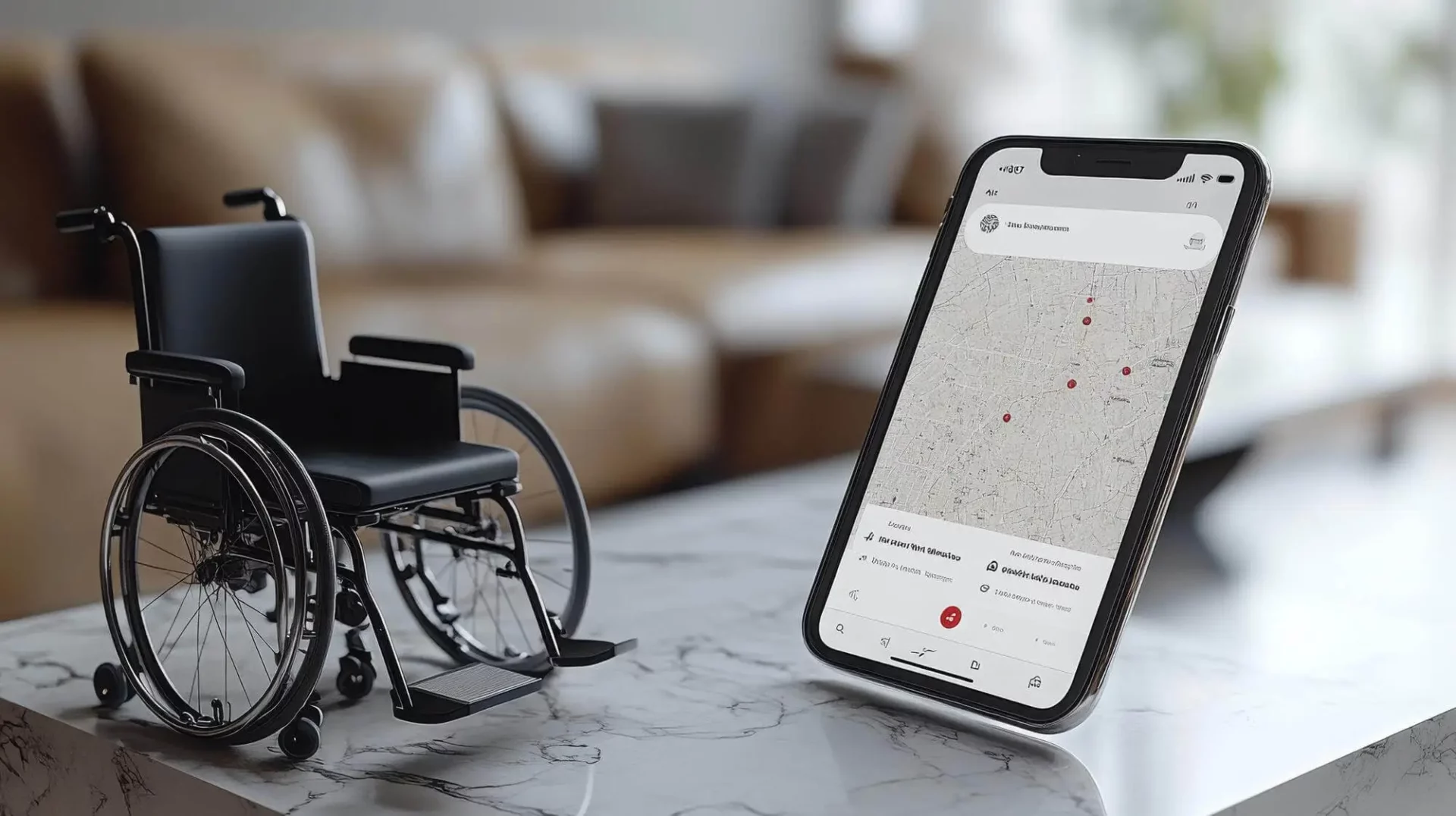
Accessible technology is essential for delivering high quality disability services. NDIS software accessibility ensures that providers, support workers, participants, and families can use digital tools regardless of disability, technical ability, or location.
For NDIS organisations, accessible software is not just a design preference. It directly affects participant engagement, compliance, and service quality. When systems are easy to use for everyone, providers reduce administrative barriers, improve communication, and ensure participants can actively engage with their support services.
Meeting compliance obligations alongside accessibility goals is far more achievable when your platform centralises both — Vertex360’s NDIS compliance tools ensure documentation, worker checks, and regulatory reporting sit within the same accessible system your staff and participants already use every day.
Modern platforms such as Vertex360 incorporate inclusive design principles so providers can manage operations efficiently while ensuring universal access for participants and staff.

Why Accessibility Matters in NDIS Software
NDIS providers work with people who have diverse needs including:
- Visual impairments
- Hearing impairments
- Cognitive disabilities
- Motor or mobility limitations
- Limited digital literacy
If software platforms are not designed with accessibility in mind, participants may struggle to:
- Access service updates
- View progress notes
- Communicate with providers
- Understand their support plans
An accessible NDIS platform removes these barriers. It enables participants to interact with their services independently while ensuring support workers and families can collaborate effectively.
Accessible software also improves operational efficiency. When systems are easier to use, staff spend less time troubleshooting technology and more time supporting participants.
Accessibility is also embedded in participant rights under the NDIS. The NDIS Quality and Safeguards Commission’s participant rights framework reinforces that participants must be able to actively engage with their supports — which includes being able to access and understand digital tools their providers use.
Accessibility Standards for NDIS Platforms
High quality NDIS software should follow internationally recognised accessibility standards.
WCAG Compliance
Most accessible systems follow Web Content Accessibility Guidelines (WCAG), which define how digital products can be made usable for people with disabilities.
Key WCAG principles include:
- Perceivable: Information must be visible and understandable to all users
- Operable: Interfaces must work with keyboards, assistive tools, and alternative inputs
- Understandable: Content should be clear and predictable
- Robust: Software must work across multiple assistive technologies
These standards guide the development of disability accessible software used by NDIS providers.
Accessible standards apply equally to the documents providers generate. Vertex360’s digital E-Forms are built for straightforward completion across devices — using clear layouts, logical field ordering, and mobile-friendly inputs that reduce barriers for support workers and participants with varying digital literacy levels.
Inclusive Design Principles
Inclusive design goes beyond compliance. It focuses on creating systems that work for the widest possible range of users.
Key principles include:
- Simple navigation and layouts
- Clear language and instructions
- Consistent workflows
- Multiple interaction methods (keyboard, mouse, touch, voice)
For NDIS organisations, inclusive design ensures both staff and participants can confidently use digital systems.

Assistive Technology Integration
An accessible NDIS platform must work seamlessly with assistive technologies used by people with disabilities.
Screen Reader Compatibility
Screen readers convert text into speech or Braille output. Software platforms must:
- Support structured page headings
- Include descriptive labels for buttons
- Provide alternative text for images
This allows visually impaired users to navigate participant portals and provider dashboards effectively.
This is especially important during participant onboarding, where accessible digital workflows prevent participants from being excluded at the very first interaction. Vertex360’s NDIS participant onboarding process is designed to be clear and step-by-step, reducing cognitive load for participants and their families from day one.
Voice Control and Speech Recognition
Many users rely on voice commands instead of keyboards or touchscreens.
Accessible software should support:
- Speech-to-text input
- Voice navigation
- Command based actions
These features are particularly valuable for people with mobility limitations.
Adaptive Input Devices
Some users interact with technology through specialised hardware such as:
- Switch controls
- Eye tracking devices
- Adaptive keyboards
Accessible NDIS software ensures these tools function smoothly within the platform.
User Interface Adaptations for Inclusive Software Design
User interface flexibility is essential for universal access.
Customisable Font Sizes
Participants and staff should be able to enlarge text for improved readability. Adjustable font sizes benefit users with visual impairments or dyslexia.
High Colour Contrast
Accessible platforms use strong colour contrast between text and background. This improves readability for users with:
- Low vision
- Colour blindness
- Cognitive processing difficulties
Simplified Navigation
Clear navigation structures reduce confusion and help users complete tasks quickly.
Accessible systems typically include:
- Logical menus
- Clear icons and labels
- Minimal steps for key actions
These design elements improve usability for participants, support workers, and administrators alike.

Designing Participant Portals for Accessibility
Participant portals are a critical component of modern NDIS software.
A well designed portal allows participants to:
- View service schedules
- Track goals and progress
- Communicate with support teams
- Access documentation
However, accessibility must be built into these portals from the beginning.
Cognitive Accessibility
Participants with cognitive disabilities benefit from:
- Simple language
- Clear instructions
- Visual icons and prompts
- Step-by-step workflows
These features reduce complexity and make digital services easier to understand.
Simplified, goal-oriented workflows become even more powerful when linked to structured support plans. Vertex360’s participant management tools organise each participant’s goals, support schedules, and progress tracking in a single, clearly structured profile — reducing the cognitive effort required to navigate complex care arrangements.
Visual Accessibility
Accessible portals support:
- Screen reader compatibility
- Adjustable text sizes
- High contrast display options
These features allow visually impaired participants to access their information independently.
Motor Accessibility
Some participants may have limited dexterity or motor control.
Accessible portals should therefore include:
- Large clickable buttons
- Minimal drag-and-drop actions
- Keyboard navigation options
These adjustments ensure users can interact with the system without frustration.
Vertex360 Accessibility Features
Vertex360 has been designed with inclusive software design principles to ensure accessibility across the entire platform.
Key accessibility features include:
Accessible participant portals: Participants and families can easily access service updates, documents, and communication tools through an intuitive portal interface.
Mobile friendly design: Support workers and participants can access the system from mobile devices, making it easier to engage with services in real world environments.
Clear, simplified dashboards: Operational dashboards use structured layouts and consistent navigation to reduce complexity for staff.
Accessible documentation workflows: Case notes, incident reports, and service updates are designed to be easy to read and complete across devices.
Flexible interface settings: Users can adjust display settings and navigation preferences to suit their needs.
These features help NDIS providers deliver services efficiently while ensuring the platform remains accessible to all users.

Implementation Strategy for Improving Software Accessibility
Improving accessibility requires both technical improvements and organisational commitment.
1. Conduct Accessibility Assessments
Start by reviewing existing systems to identify barriers.
Assess areas such as:
- Navigation usability
- Screen reader compatibility
- Font readability
- Colour contrast
- Mobile accessibility
2. Involve Real Users
Testing software with people who use assistive technologies provides valuable insights. Providers should involve participants, support workers, and families when evaluating accessibility.
3. Choose Accessible Platforms
When selecting software solutions, organisations should prioritise NDIS universal access features.
Look for platforms that support:
- WCAG accessibility standards
- Assistive technology integration
- Customisable interfaces
4. Provide Staff Training
Even accessible systems require proper use.
Training staff ensures they understand:
- How to configure accessibility settings
- How to communicate effectively with participants using digital tools
- How to maintain accessible documentation practices
5. Continuously Improve
Accessibility should be treated as an ongoing process rather than a one-time project.
Regular feedback from participants and staff helps providers refine systems and maintain inclusive digital environments.
The Future of Accessible NDIS Technology
As digital transformation accelerates across the disability sector, accessibility will become a central requirement for NDIS software.
Future platforms are likely to include:
- AI-powered accessibility tools
- Automated voice navigation
- Real-time translation and captioning
- Adaptive interfaces tailored to individual needs
Providers who adopt accessible technology early will not only improve participant outcomes but also gain operational advantages.
Accessible systems reduce friction, improve communication, and ensure every participant can fully engage with their supports.

Final Thoughts
NDIS software accessibility is fundamental to inclusive service delivery. When platforms follow universal design principles, participants and providers can interact with digital systems confidently and independently.
Accessible software improves communication, strengthens participant engagement, and reduces administrative complexity across NDIS organisations.
Platforms such as Vertex360 combine operational efficiency with inclusive design, helping providers deliver better services while ensuring technology remains accessible to everyone.
Make Your NDIS Services Accessible to Everyone
Discover how Vertex360 helps NDIS providers deliver truly inclusive, accessible services without increasing administrative complexity. From participant friendly portals to adaptive interface features, Vertex360 is designed to support every user, regardless of ability or technical skill.
Book a personalised demo today to see how accessible NDIS software can streamline your operations, improve participant engagement, and elevate service quality across your organisation.
Frequently Asked Questions
1. What is NDIS software accessibility?
NDIS software accessibility refers to designing digital platforms so they can be used by all users, including people with disabilities. This includes features like screen reader compatibility, simple navigation, and adaptable interfaces to ensure equal access for participants, providers, and support workers.
2. Why is accessibility important in NDIS software?
Accessibility is essential because NDIS participants have diverse needs. Accessible software removes barriers to communication, improves participant engagement, supports compliance, and ensures users can independently manage and access their services.
3. What are WCAG standards in NDIS software?
Web Content Accessibility Guidelines (WCAG) are international standards that ensure digital platforms are accessible. They focus on making software perceivable, operable, understandable, and robust for users with different abilities and assistive technologies.
4. What features make NDIS software accessible?
Accessible NDIS software typically includes screen reader support, high colour contrast, adjustable text sizes, keyboard navigation, voice control, and simple user interfaces. These features help users with visual, cognitive, and mobility challenges interact with the system effectively.
5. How can NDIS providers improve software accessibility?
Providers can improve accessibility by choosing WCAG compliant platforms, involving users in testing, training staff on accessibility features, and continuously reviewing systems to remove usability barriers and enhance user experience.